Cyber Essentials v3.3 MFA Requirement: What You Need to Know
Cyber Essentials v3.3 requires MFA wherever it is available and always for cloud services. Here is what the rule covers, what triggers an automatic fail, and how to prepare.
Section 01
Cyber Essentials v3.3 MFA Requirement: What You Need to Know
Cyber Essentials v3.3 requires organisations to use multi-factor authentication wherever it is available, and authentication to cloud services must always use MFA. If an in-scope cloud service offers MFA and it is not enabled, the assessment automatically fails.
That wording matters. The rule is not accurately summarised as "MFA on every account everywhere". It is specifically strict for cloud services, while the wider requirement says MFA must be implemented where it is available. This guide follows the NCSC Cyber Essentials requirements v3.3 and IASME's April 2026 scheme update.
Section 02
What Changed in v3.3?
The underlying requirement now has two connected parts:
- Use MFA wherever it is available.
- Authentication to cloud services must always use MFA.
IASME also made failure to implement MFA for a cloud service an automatic-fail condition, whether MFA is included free or sold as a paid option. This applies to the user accounts that authenticate to an in-scope cloud service, not only administrators.
Section 03
Which services are affected?
Start with every cloud service that stores or processes organisational data, including:
- Microsoft 365 and Google Workspace
- AWS, Azure, and Google Cloud
- Cloud CRM, accounting, HR, support, and project-management platforms
- Cloud file storage and collaboration tools
- Web-based administration portals used to manage organisational systems
The v3.3 definition describes a cloud service as an on-demand, scalable service hosted on shared infrastructure, accessed over the internet through an account, and used to store or process organisational data. Cloud services holding organisational data cannot simply be declared out of scope.
For non-cloud systems, record whether MFA is available and how it is enforced. If a product offers MFA, leaving it disabled conflicts with the requirement to implement MFA where available.
Section 04
What counts as MFA?
The NCSC requirements describe several passwordless and multi-factor methods, including:
- Passkeys and FIDO2 authenticators
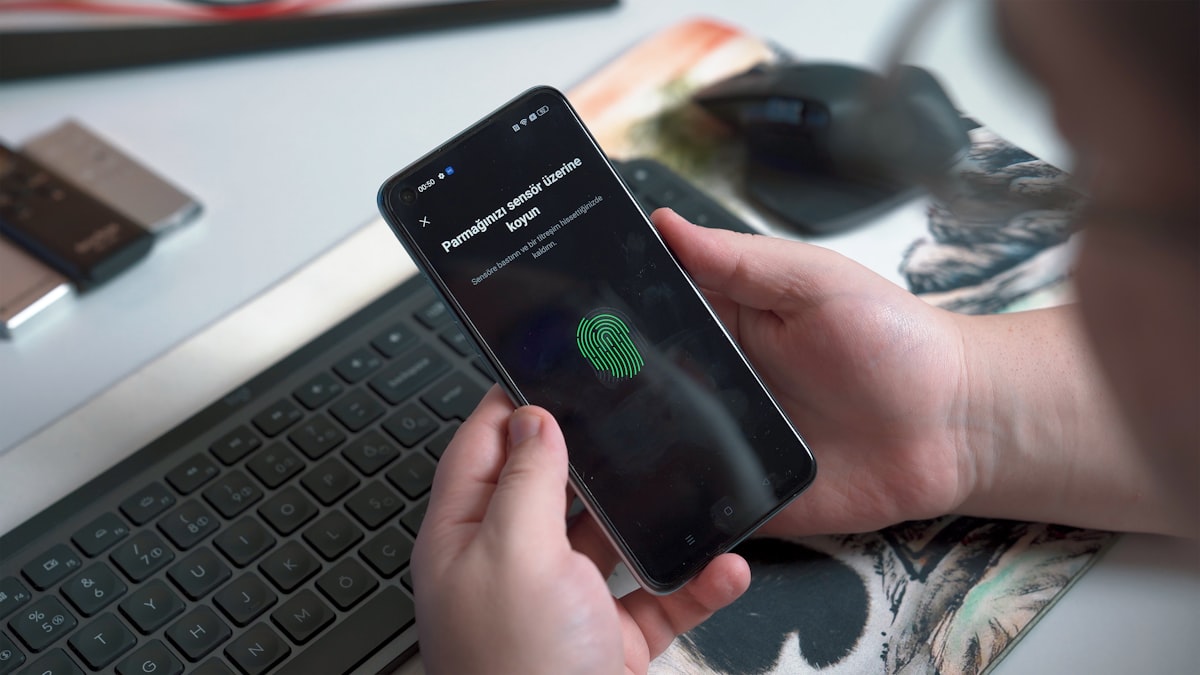
- Biometric authentication
- Physical security keys or smart cards
- Push notifications
- One-time codes delivered by an app, SMS, or email
MFA requires independent verification factors. A biometric, push notification or one-time code alone does not automatically establish two factors. A properly implemented passwordless flow, such as a FIDO2 passkey requiring user verification, can meet MFA; verify the actual implementation. Where a password is used as part of MFA, it must have at least eight characters with no maximum-length restriction. Security questions alone are not MFA because they are another knowledge-based secret.
Section 05
Common compliance gaps
Cloud services missed from the inventory. Marketing, finance, HR, and development teams often operate cloud tools outside the central identity platform. If those tools process organisational data, include them in the review.
MFA enabled but not enforced. A user being able to enrol in MFA is different from an administrator enforcing it. Check the policy and test an actual sign-in.
Generic or shared credentials. Replace direct shared logins with named user accounts and delegated access wherever the service supports it. This preserves accountability and makes enforcement easier to demonstrate.
Exceptions that are not documented. Emergency access accounts, non-interactive identities, and technical limitations need to be understood in the context of the exact service and requirement. Do not assume an exception without checking it with the certification body.
Section 06
How to prepare
1. List every cloud service that stores or processes organisational data.
2. List the user and administrative accounts that can authenticate to each service.
3. Record the available MFA method and the policy that enforces it.
4. Remove unused accounts and replace avoidable shared credentials.
5. Test representative sign-ins before submitting the assessment.
6. Use Fig Group’s Cyber Essentials readiness checker to identify gaps.
Section 07
Frequently asked questions
Is MFA mandatory for Cyber Essentials?
Yes. Cyber Essentials v3.3 requires MFA wherever it is available, and cloud-service authentication must always use MFA.
Does every cloud-service user need MFA?
If the user account authenticates to an in-scope cloud service, MFA must be applied. Enabling it only for administrators does not satisfy the cloud-service rule.
What happens if an in-scope cloud service offers MFA but we do not use it?
IASME's April 2026 marking criteria make that an automatic failure, including when MFA is a paid feature.
Is a 12-character password always mandatory?
No. The v3.3 password-quality control offers alternatives: use MFA, use at least 12 characters with no maximum-length restriction, or use at least 8 characters with automatic blocking of common passwords. Other password-management requirements also apply.
Where can I check the current version?
The NCSC Cyber Essentials resources page identifies the current Requirements for IT Infrastructure and the previous version. IASME also provides the current Danzell assessment-question preview.
Ready to certify against v3.3? Fig Group issues Cyber Essentials from £299.99 + VAT with a six-working-hour guarantee for complete compliant submissions received before midday on a UK business day, and Cyber Essentials Plus if your buyer requires the independently audited tier.
About the author

Jay Hopkins
Managing Director, Fig Group
Jay Hopkins is the Managing Director of Fig Group and an IASME-licensed Cyber Essentials assessor. He was previously Head of Technology for a global regulated firm. He works with UK organisations across regulated sectors on baseline compliance, supply-chain assurance, and AI-augmented security tooling.
Next step
Want to see how Fig Group handles this?
Explore how Fig Group automates compliance mapping, evidence collection, and framework alignment across 65+ standards.
Request a demoRelated guides
Continue reading

Technical Guides
The 14-Day Patching Rule: What It Actually Says and How to Stay Compliant
The 14-day patching requirement is the single most common reason Cyber Essentials submissions fail first time. Here is what the rule actually says, when the clock starts, and how to evidence compliance when users are on holiday, vendors are slow, and legacy systems will not update.
Read article
Industry
Cyber Essentials for Critical Digital Infrastructure Providers in the UK
The Cyber Security and Resilience Bill proposes expanded regulatory coverage of data centres, cloud providers, and digital service providers. Here is what these organisations need to know about Cyber Essentials.
Read article
Technical Guides
Cyber Essentials Scoping: What Is In, What Is Out, and How to Not Get It Wrong
Scoping is the single most misunderstood part of the Cyber Essentials submission. Get it wrong and your whole assessment is compromised. This guide covers remote workers, BYOD, cloud services, legacy systems, sub-set scoping, and the five scoping traps that most often fail assessments.
Read article