7-State Workflow
Proposed, Queued, Assessed, Accepted, Implementing, Verified, Completed. Every change follows a governed path with approval gates at each stage.
7-state change workflow with AI-assisted risk scoring, approval gates, and policy compliance checks.

Change requests live in spreadsheets or Jira tickets. Risk assessments are manual guesswork. Nobody checks whether a change affects compliance. Rollback plans exist on paper but are never tested.
Proposed, Queued, Assessed, Accepted, Implementing, Verified, Completed. Every change follows a governed path with approval gates at each stage.
AI copilot assesses change risk, generates test plans, and creates rollback procedures. Risk scores factor in affected assets, policies, and compliance obligations.
Configured policy gates can hold a connected change for review or block a supported execution path. A personal-data flag triggers privacy screening; the responsible team decides whether a DPIA is required. Approval chains are configurable.
Every change records who requested it, who approved it, what was affected, and whether it was rolled back. Impact assessment links to affected assets and services.
This compliance controls view shows the wider Fig environment. Ask us to demonstrate change management against your own requirements.
A tailored walkthrough lets you review the relevant workflows, supported connections and reporting before deciding whether Fig is right for your team.
See it in a demo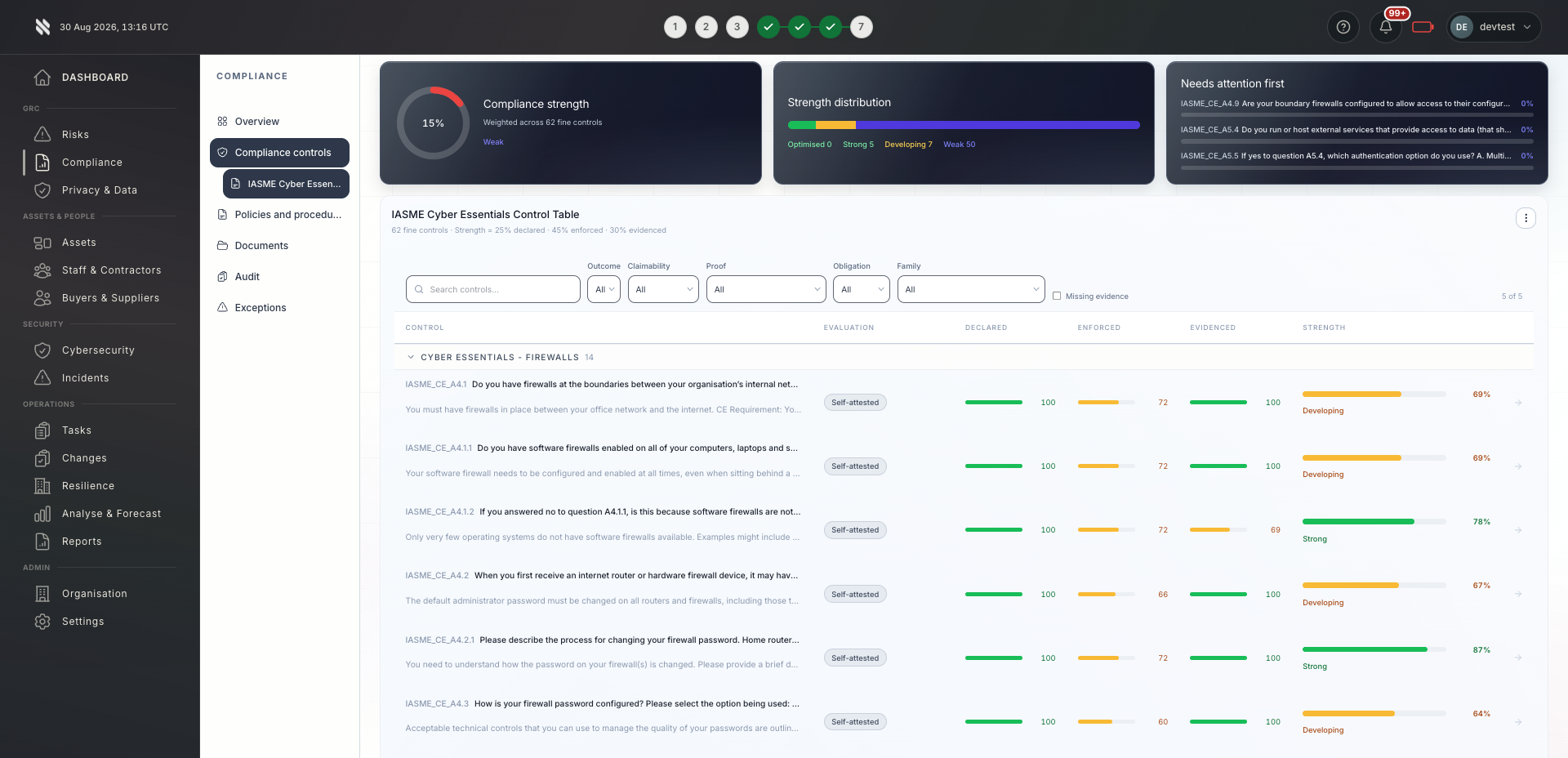

Bring delivery, oversight and assurance together without losing sight of who owns the next action.

Standardised change management across all client environments. Portfolio-wide change calendars and approval workflows replace ad-hoc processes.
Explore Fig for MSPs
Connect change governance to selected infrastructure workflows and policies. Review coverage for tools and changes outside the configured path.
Explore Fig for organisationsChange history with approval chains, risk assessments, and rollback records can support relevant ISO/IEC 27001:2022 Annex A change-management controls and SOC 2 CC8.1. The older A.12 grouping belongs to the 2013 edition.
Discuss your requirementsStart with the outcomes you need. We will discuss scope, delivery and commercial terms with you before you commit.
Discuss your current approach to change management, the teams involved and the requirements you need to meet.
See the relevant features in a tailored demonstration. Confirm integration coverage, responsibilities and any configuration needed.
Review the proposed scope and pricing. Set implementation priorities, ownership and review points around your organisation or client portfolio.
Platform functionality and automation depend on the agreed scope, configuration and connected systems. Software supports your compliance programme; it does not replace an independent assessment or guarantee certification.
Need to discuss a specific requirement or client scenario?
Speak to FigCompare your required request types, approval rules, integrations and reporting before deciding. Fig Group provides change governance and evidence workflows and can be used alongside an existing IT service management system.
The AI copilot analyses the change scope, affected assets, relevant policies, and historical change data to generate a risk score, recommended test plan, and rollback procedure. All AI outputs are reviewed by human approvers before execution.
Yes. Standard, emergency, and pre-approved change types each have configurable approval chains. Emergency changes can bypass normal gates but require retrospective review within a defined timeframe.
Connected changes can trigger control re-evaluation. A gap is visible when the relevant source, mapping and evaluator are configured; review the actual execution and evaluation cadence for your environment.
A personal-data flag can start privacy screening within the change workflow. A qualified reviewer determines whether the proposed processing is likely to be high risk and whether a DPIA is required before approval.
Tell us what you would like to achieve. We will arrange a relevant conversation about the platform, your requirements and the right next step.
Continue exploring the protect capabilities, or return to the full platform overview.